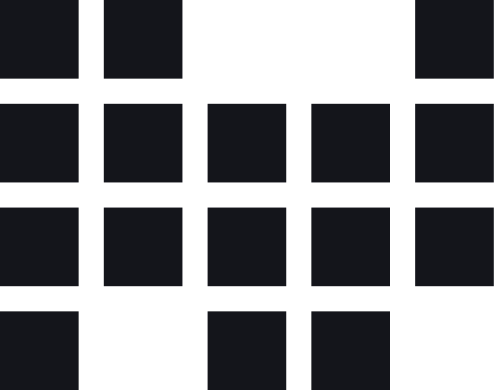
Logo
Downloads & Links
Our logo is the most immediate expression of the Idealworks brand. The logomark is built from nodes to represent the letters IW, making it as purposeful as it is distinctive.
The guidelines below define how to use the logo correctly, so it always shows up with confidence and consistency.
Primary Logos
The Horizonal Lockup and Logomark are our primary logos and should be used for the majority of applications.
Horizontal Lockup Logomark
Secondary Logos
The Wordmark can be separated from the Logomark to allow for more creative or flexible layouts - but both must always appear together somewhere within the same application.
The Vertical Lockup should only be used due to size/format restraints (e.g. a tall skinny banner, or when clustered amongst partner logos)
Wordmark Vertical Lockup
Usage
Follow these guidelines to ensure the Idealworks look and feel is maintained consistently across all visual communications.
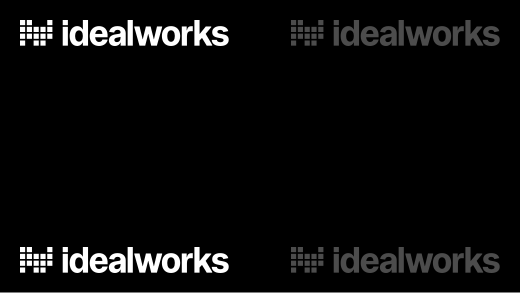
Preferred placement is top-left or bottom-left. Only center when logo is the solo element in the composition. 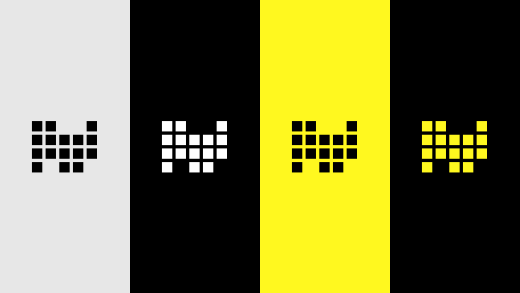
Logos should always be black, white or yellow. 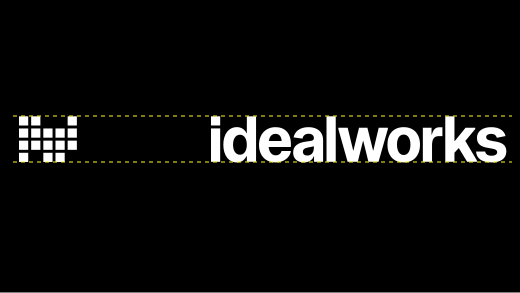
When using the Wordmark, the Logomark should also be visible on the application, and they should be ideally at the same scale.


Misuse
Avoid the following incorrect treatments of our logos.
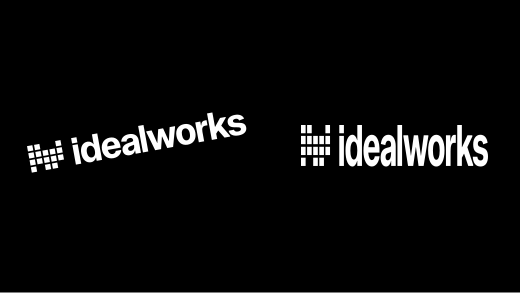
Do not stretch, squeeze, or put logo on an angle. 
Do not add drop shadows, gradients, or special effects. 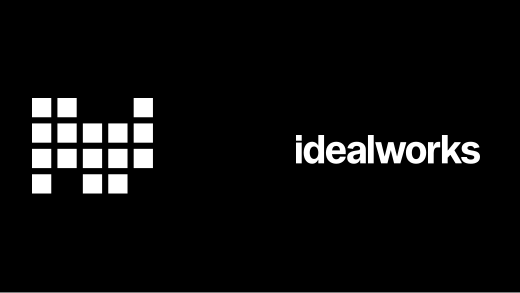
Avoid using the Logomark and Wordmark together at different scales.


