

Graphic Language
Building Nodes & Trails
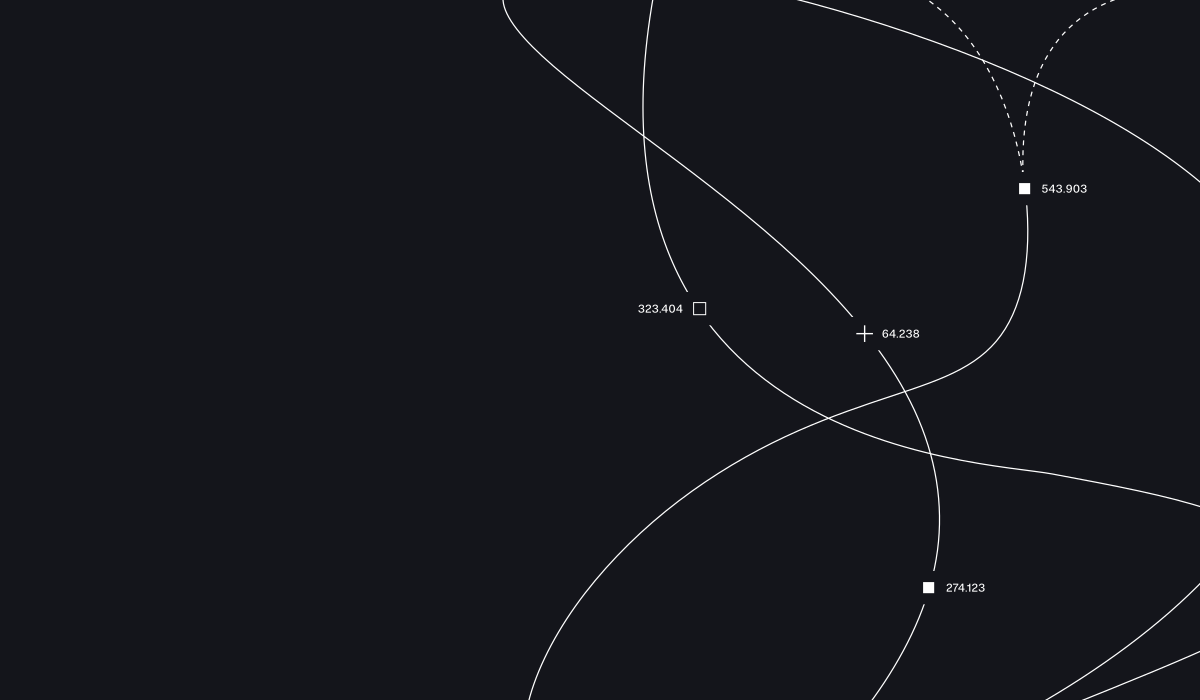
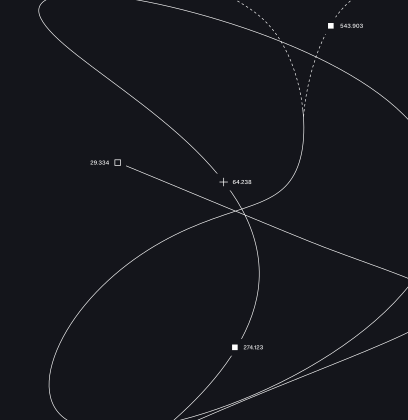
For greater flexibility, the trail and node graphics can be built from scratch - giving you full control over placement, scale, and composition.
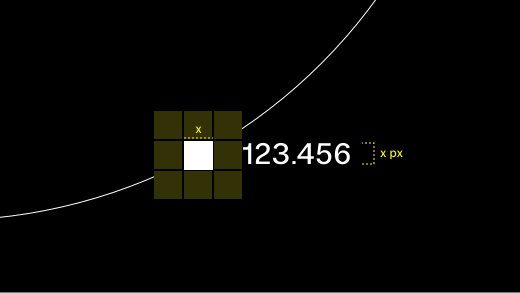
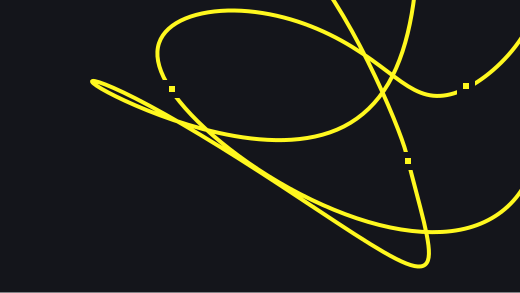
The grid of yellow squares indicates the amount of clearspace around the node. The pixel typesize of the coordinates should be the same size as the node (i.e. 20px node = 20px type). The stroke width of the trail should always feel thin and precise (usually 1-2px) and not scale with the nodes. 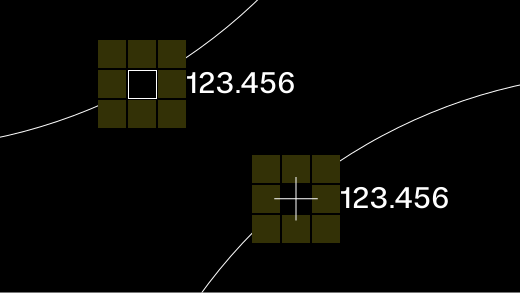
The filled square is the default, most common node, however there is also the outlined square and the crosshair. The stroke width of both should be the same as the trail. Note that the crosshair should be 1.5x width and height to maintain similar visual weight as the squares. 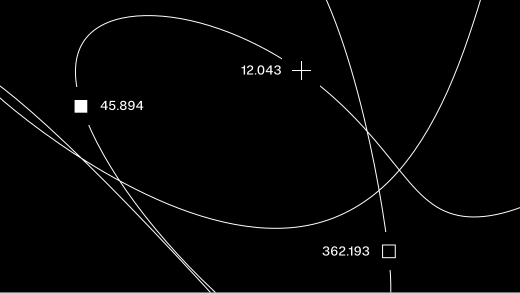
The different nodes can be combined to add some variety to the graphic. Nodes should all be the same scale. Ensure the coordinates are updated so that they are unique.


Usage
The node and trail system is deliberately flexible. These examples show the range of ways it can be applied — from precise structural elements to expressive graphic treatments. In all cases, the system should feel controlled and intentional, never decorative for its own sake.
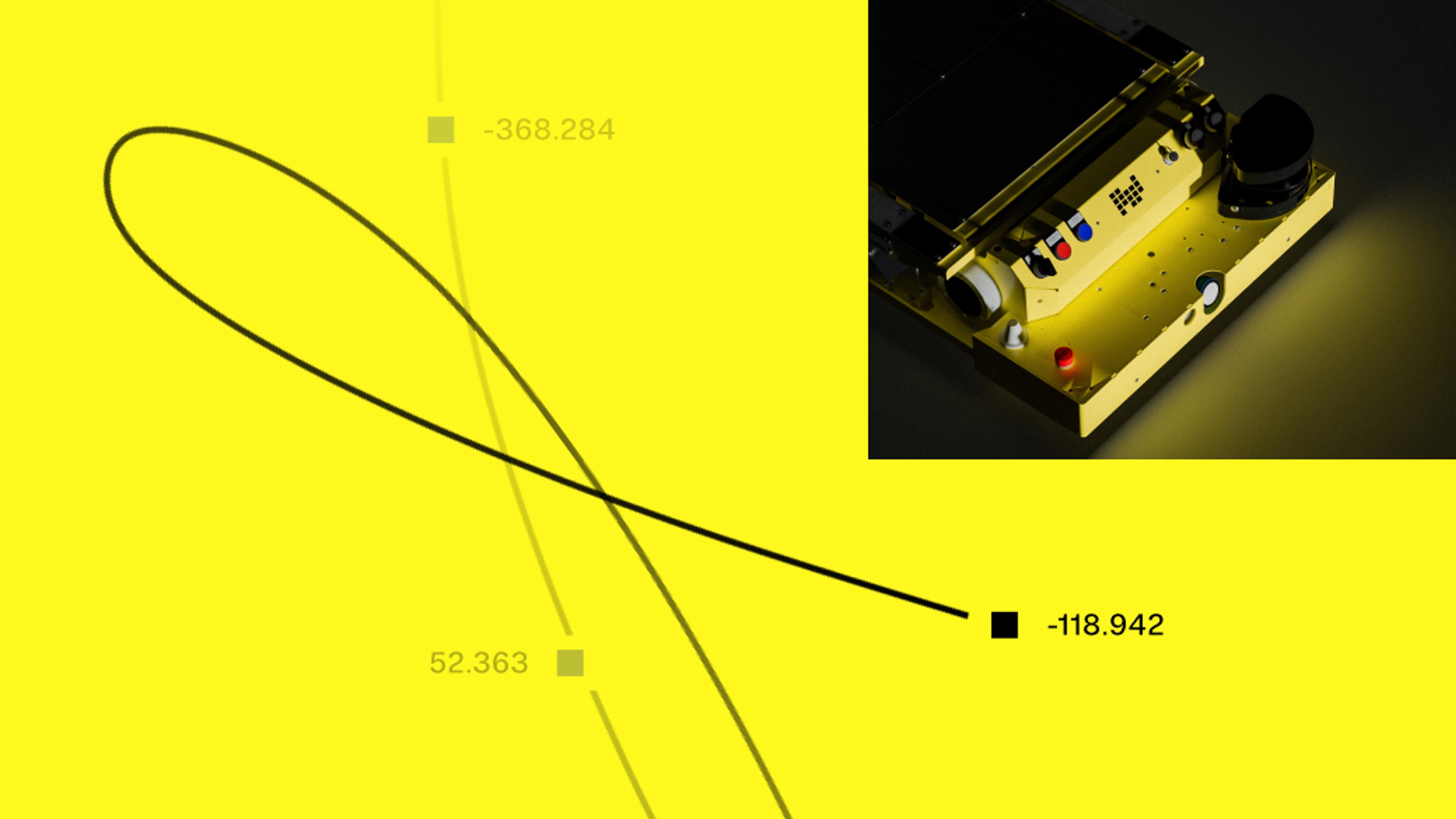
A faded trail can be used in static applications to create a sense of movement and time. Ensure any nodes are also appropriately faded. 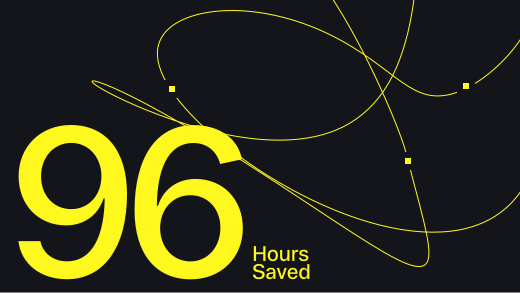
Coordinates can be omitted keep focus on the main content. 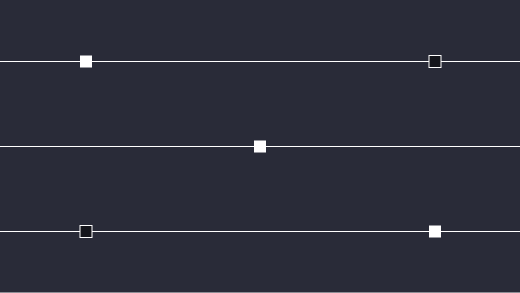
On straight trails, there should be no gaps around the nodes and only the square nodes should be used. The trails should always go directly through the middle of the nodes. 
The nodes can also be used without trails as a recurring shape that helps create hierarchy. Ensure the node is sized appropriately to the size of the type it is accompanying. 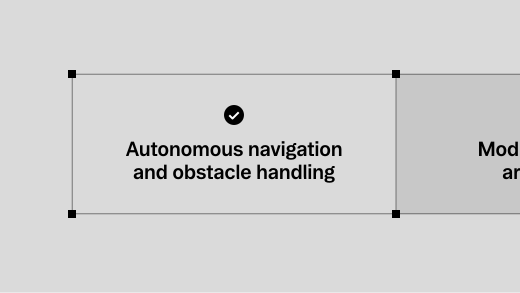
Lines can create containers. Note that the nodes should always sit in the middle of the line. 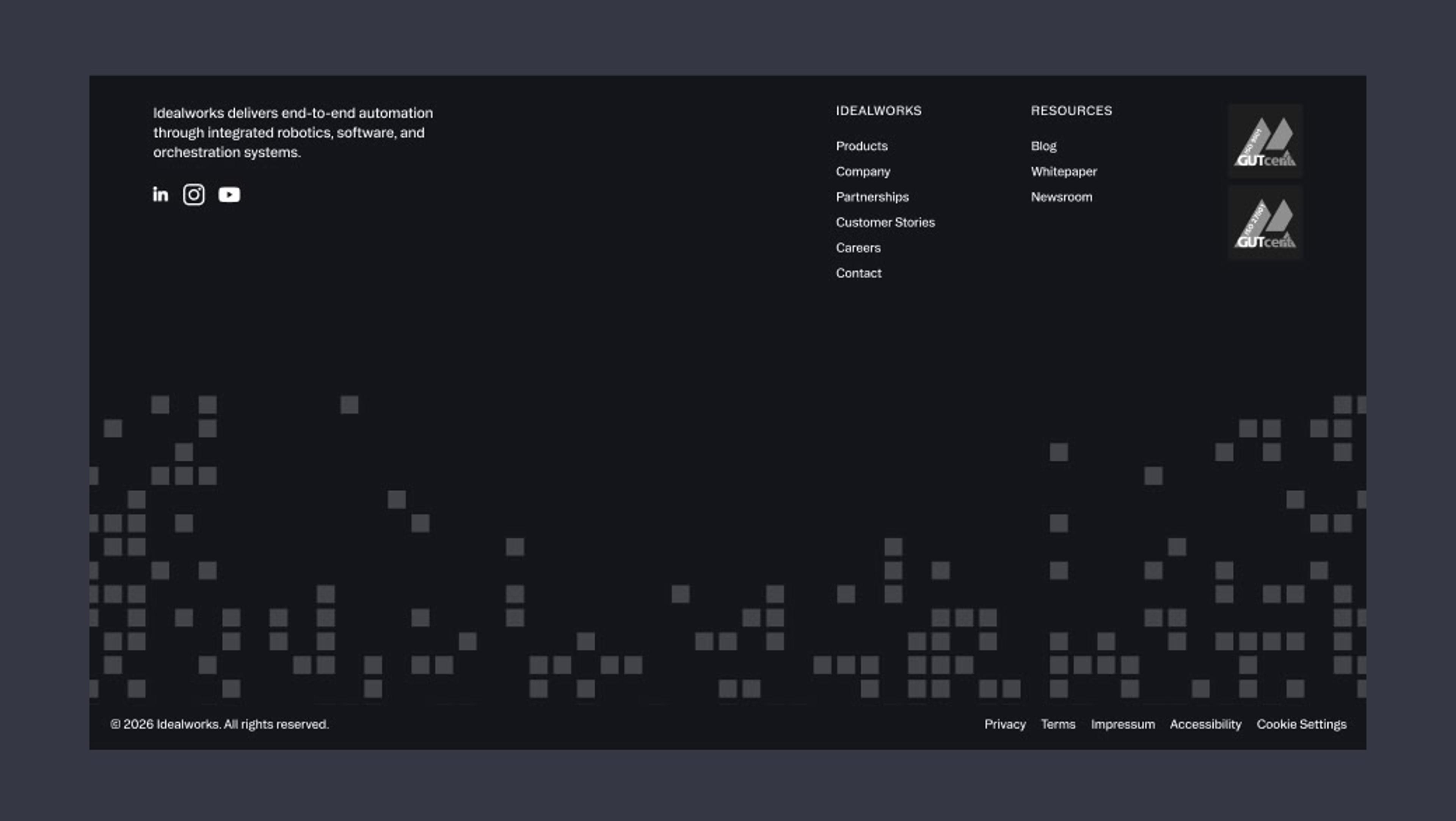
A grid of nodes can be used as a texture. 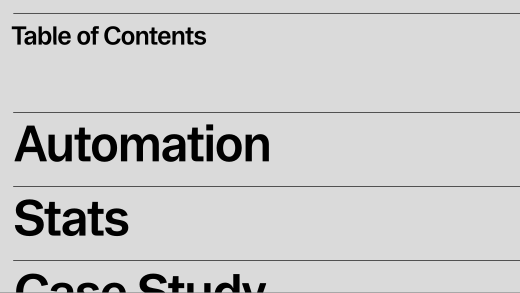
Lines can be used to create structure on the page. 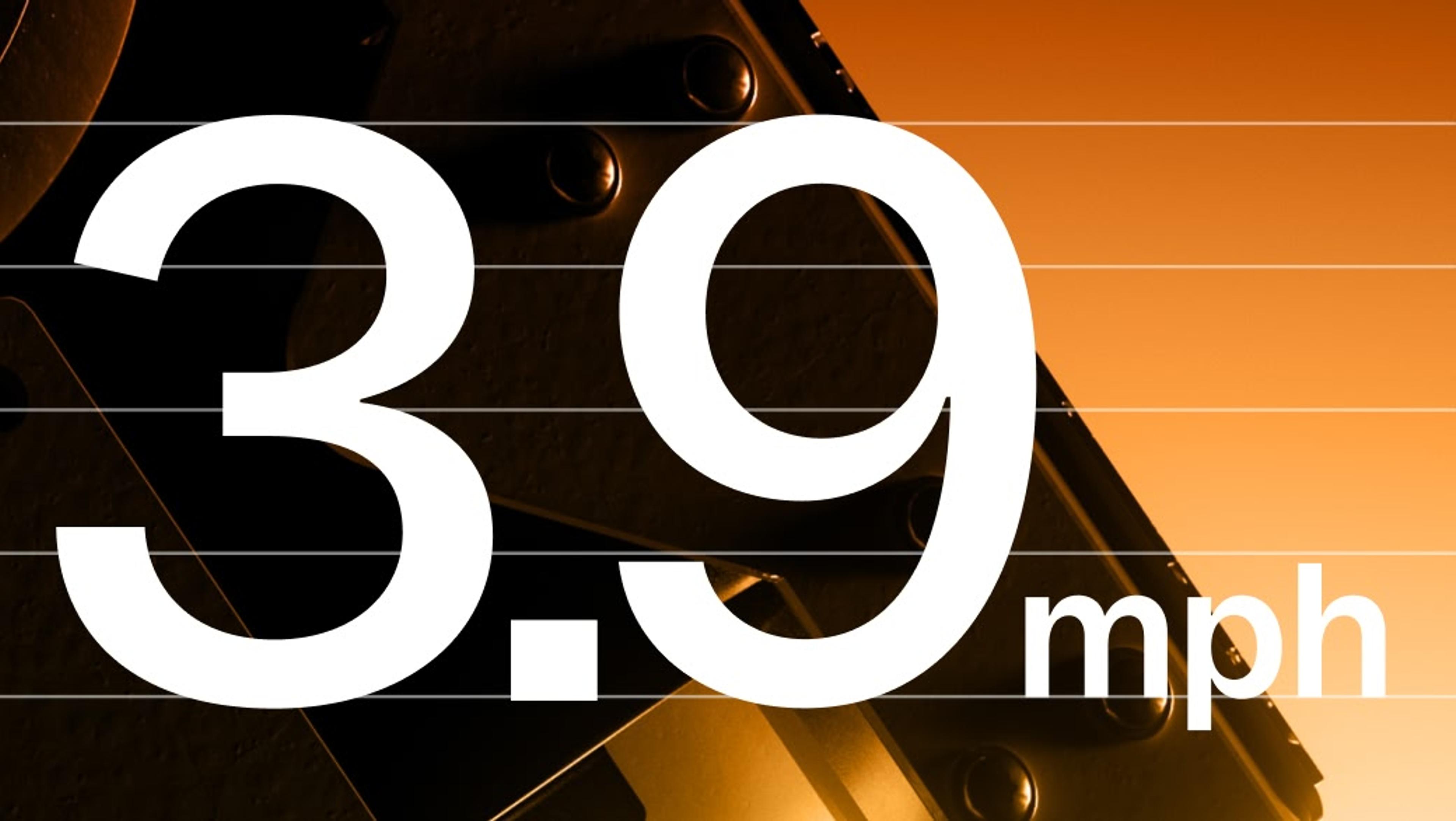
Lines can be layered behind display text, forming a sort of ‘stave’.


Misuse
Avoid the following treatments.
Do not use a thick stroke on paths. Paths should usually be 1-2px and feel thin and precise. 
Avoid using multiple node sizes in the same applications.

